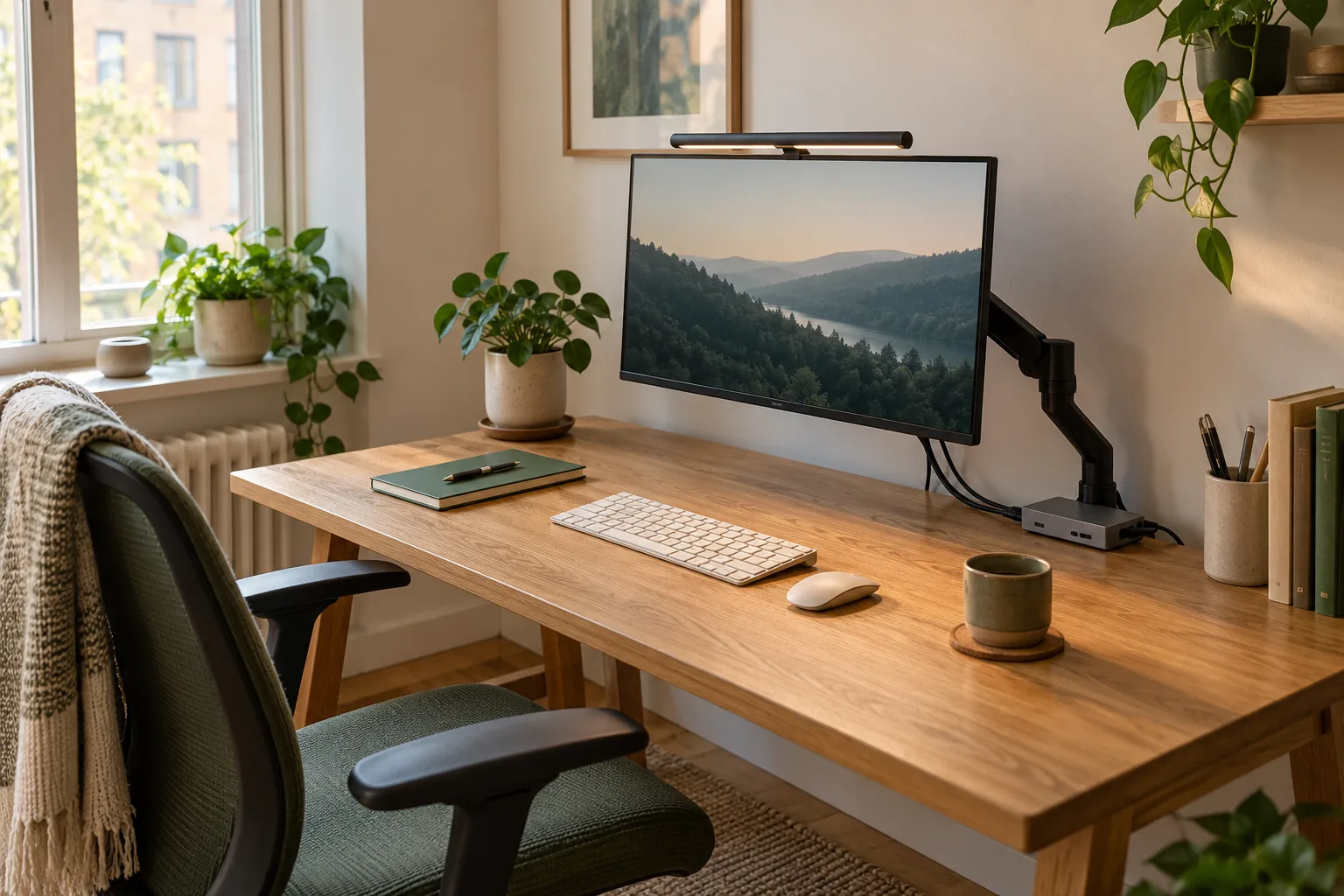
A monitor arm can remove the original stand’s footprint while also moving the display farther forward than you intended. On a shallow desk against a wall, those are separate effects. Choose the arm only after checking where the screen plane, mount and cables will sit in the usable position.
Start with a sketch from above. Mark the wall, rear desk edge, front edge, proposed mounting point and the position where you want the screen. Use the exact product’s dimensions and movement information; do not estimate model-specific rear clearance from a staged photograph.
Make a position worksheet
Keep measurements in the same units and record the source of each product-specific dimension.
A near-wall planning record
Item
Record
Question to settle
Desk depth
Back edge to front edge
How much surface remains in front of the intended screen plane?
Wall gap
Desk back edge to wall
Is the required arm movement available there?
Screen position
Plane of the screen relative to desk edges
Does the supported arrangement put it where you need it?
Movement
Any intended horizontal or vertical adjustment
Do the wall, shelf and cables still clear?
Mount
Exact attachment point and underside access
Is the furniture installation supported?
A simple depth example
Assume an illustrative desk depth of 60 cm. If the screen plane is 20 cm forward of the rear edge, the geometric strip between that plane and the front edge is 40 cm. If the proposed arrangement instead puts the screen plane 30 cm forward, that strip becomes 30 cm. The second arrangement has used another 10 cm of that depth.
These are invented example dimensions for arithmetic, not specifications for either arm or a recommendation about viewing distance. Actual usable space also depends on the monitor, mounting hardware and objects on the surface. The example shows why reclaiming a base footprint does not guarantee the preferred screen position.
Check the whole intended movement
A position that clears the wall while stationary may not describe the adjustment you want to use. Plan the useful positions, not only the furthest extended pose shown in marketing. Keep space for cables as the screen moves and follow the product’s cable-management instructions.
If you rarely reposition the monitor, compare the proposed fixed working position with the original stand or a suitable riser. An arm needs to solve the space problem you actually have, not simply offer a large movement range on paper.
Choose between the named arms after the geometry
The classic LX and LX Pro Desk Arm have different published display-load ranges. Use those, the exact mounting pattern and the variant’s instructions to decide which remains eligible. The load range alone does not tell you which arrangement fits closest to your wall.
If an important clearance or supported position is not documented clearly enough for your desk, ask the manufacturer about the exact setup. Do not buy on an assumption that one family is universally shallower than another.
A buying decision you can defend
Keep a copy of the completed sketch, the exact arm model identifier, and the required installation instructions with your shopping note. Include supported accessories and any required cable changes in the total basket.
When the plan cannot put the screen where you need it without an unsupported attachment or stressed cable, investigate a different support arrangement. This guide is a planning method, not a hands-on clearance test of these arms beside your wall.
Evidence and limits
This is a specification-based buying guide. Product descriptions come from the sources below; the fit examples and decision rules are our editorial analysis. We have not measured durability, performance, or comfort in a product test.
Ergotron LX product sheet ↗Documents the classic LX family and published display-load and mounting specifications.
As an Amazon Associate I earn from qualifying purchases. Amazon links open a model listing or product search. Confirm the variant, seller, price and availability there. Disclosure.
Ergotron LX Desk Monitor Arm
A desk-mounted monitor arm to consider when your screen’s stand takes up useful space.
Check the fit: Check display weight, VESA pattern, desktop construction, and clearance behind the desk.