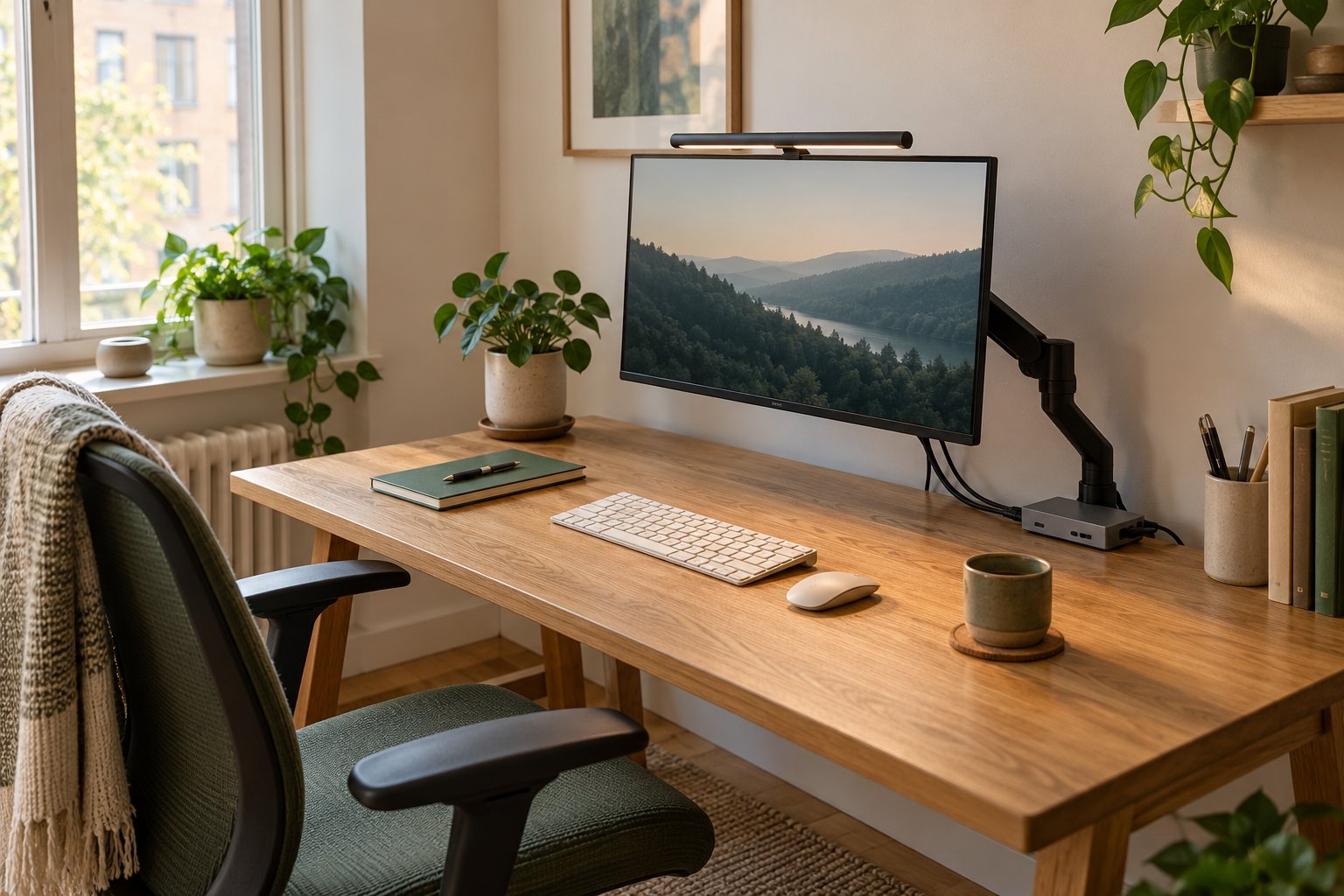
The classic LX sheet lists 7–25 lb. It remains on the shortlist for a display above the LX Pro Desk Arm’s 22 lb published ceiling, provided every other fit check passes.
Skip it if: The screen is below 7 lb, above 25 lb, or the desk/mount combination is unsupported.
The LX Pro Desk Arm sheet starts at 4 lb and ends at 22 lb. That makes it the relevant one of these two for a display below the classic LX’s 7 lb minimum.
Skip it if: The display exceeds 22 lb or the exact model, mount, and furniture do not meet the instructions.
Choose an arm when reclaiming the area under a monitor or changing the screen’s position is the main objective—and the furniture supports the installation. Choose a riser when you mainly want a fixed shelf and a simpler setup without a desk clamp. Keep the original stand if it already leaves enough room and provides the adjustment you need.
Our starting shortlist is the Ergotron LX and LX Pro Desk Arm. Their published load ranges differ, so the newer model name is not a substitute for a compatibility check. The useful purchase is the one that fits your actual screen, mounting point, and working position.
Monitor arm or riser: the practical comparison
These are format-level tradeoffs. A particular product can differ, so use the table to decide what to investigate rather than to assume every arm or shelf behaves alike.
Which support format suits your workspace?
Decision
Monitor arm
Monitor riser
Main benefit
Moves a compatible display off its normal base
Creates a fixed raised shelf
Desktop use
Needs a suitable mounting point and movement clearance
Occupies a footprint, often with storage underneath
Installation
Mounting, load, and furniture checks are central
Check shelf dimensions, stability, and load rating
Daily changes
Useful when repositioning is part of the routine
Often suits a consistent screen position
First thing to measure
Mounting area and monitor weight
Shelf footprint and final screen height
Measure before comparing brands
Make a simple plan of the desk as you use it. Include the keyboard, mouse, notebook, speakers, and anything you regularly place in front of the screen. Mark the space you want to recover. If you cannot identify a useful job for that reclaimed area, an arm may be an unnecessary purchase.
For a clamp installation, inspect both sides of the desktop. A drawer, rear apron, cable tray, or sloping edge can change the answer. Check the furniture manufacturer’s guidance about attachments and the mount’s documented limits. Desktop thickness alone is not proof that its construction supports the load.
Next, measure behind the desk. A screen that can move forward in an open room may behave differently beside a wall or partition. Allow for the cables throughout the intended movement. Do not plan an installation around a stressed connector or a cable stretched tight at the edge of its reach.
Ergotron LX vs LX Pro: compare the exact arm
The manufacturer sheets below describe the relevant desk-arm families. The classic LX sheet lists a 7–25 lb display range; the LX Pro Desk Arm sheet lists 4–22 lb. Both list 75 × 75 and 100 × 100 mm VESA patterns. Check the exact SKU and display weight without its stand before using these figures.
Published desk-arm specifications—not a performance test
Check
Classic LX
LX Pro Desk Arm
Published display load
7–25 lb
4–22 lb
VESA patterns listed
75 × 75 / 100 × 100 mm
75 × 75 / 100 × 100 mm
Purchase check
Verify selected variant and included mount
Verify selected variant and included mount
A load-range decision you can make before shopping
The two manufacturer ranges overlap from 7 through 22 lb. A display inside that overlap does not produce a winner by weight alone; compare mounting details, adjustment needs, and the complete purchase. A display below 7 lb but at least 4 lb points toward LX Pro in this two-product comparison. Above 22 lb and up to 25 lb points toward classic LX. These are deductions from published ranges, not an installation approval.
What the published ranges imply
Display weight without stand
Shortlist by load range alone
Next check
Below 4 lb
Neither listed range
Find a support explicitly rated for the display
4 to below 7 lb
LX Pro Desk Arm
Exact SKU, VESA, shape, mount and desk
7–22 lb
Both listed ranges overlap
Choose by the remaining installation requirements
Above 22 through 25 lb
Classic LX
Exact variant and all other compatibility limits
Above 25 lb
Neither listed range
Investigate an appropriately rated alternative
Three situations that change the decision
A desk against a wall: start with the space behind the screen and the mounting position. If the planned arrangement brings the display too far forward, an arm has not solved the depth problem. Sketch the geometry before choosing the product.
A desk with a rear drawer or apron: the top can look perfect while the underside prevents the intended clamp from seating. An appropriately rated riser may be the simpler direction. Do not improvise around incompatible mounting hardware.
A screen that rarely moves: compare what you gain from the original stand, a shelf, and an arm. If the existing position is workable, improving cable routing or moving an unused object may deliver the useful change without a new support.
Build a complete purchase list
Use the manufacturer’s instructions to identify what comes with the exact variant and what, if anything, must be bought separately. A product-family name can cover several mount types and pole arrangements. Accessories are relevant only when they are supported for that combination.
Record the total intended purchase: support, required mounting accessories, and any cable replacements that the arrangement actually needs. Compare that with a suitable riser or the cost of keeping the current stand. A lower headline price is unhelpful if the final basket does not include the pieces needed for a valid installation.
Write down the exact screen and arm model identifiers.
Confirm display weight, mounting pattern, furniture suitability, and clearances.
Check included hardware and the installation instructions before ordering.
Read the retailer’s exact variant, seller, delivery, and return information.
Common buying questions
Is screen size enough to choose an arm? No. The size label is only part of the specification; load, mounting pattern, physical shape, and installation all matter.
Will a riser save as much space? That depends on the footprint and the space underneath it. Measure the objects you want to store rather than assuming an open shelf will fit them.
Should I replace a working LX just because LX Pro exists? Start with the problem the existing setup fails to solve. An upgrade needs a practical reason, and its published compatibility still needs checking.
Our decision rule
Shortlist the LX or LX Pro only after the support format and compatibility checks make sense. Choose by the documented fit of the exact model, not by an assumed ranking between product names. If the desk cannot support the installation you need, investigate a suitable riser or retain the original stand.
The shopping links below let you compare current Amazon listings. We have not installed these arms on your furniture or measured their movement, vibration, or long-term durability. Treat this guide as a buying framework supported by manufacturer documents.
Evidence and limits
This is a specification-based buying guide. Product descriptions come from the sources below; the fit examples and decision rules are our editorial analysis. We have not measured durability, performance, or comfort in a product test.
Ergotron LX Pro series specifications ↗Documents the LX Pro Desk Arm family, its different load range, and mounting patterns. Individual SKUs must still be checked.
As an Amazon Associate I earn from qualifying purchases. Links search Amazon for the named model; confirm the variant, seller, price and availability there. Disclosure.
Ergotron LX Desk Monitor Arm
A desk-mounted monitor arm to consider when your screen’s stand takes up useful space.
Check the fit: Check display weight, VESA pattern, desktop construction, and clearance behind the desk.