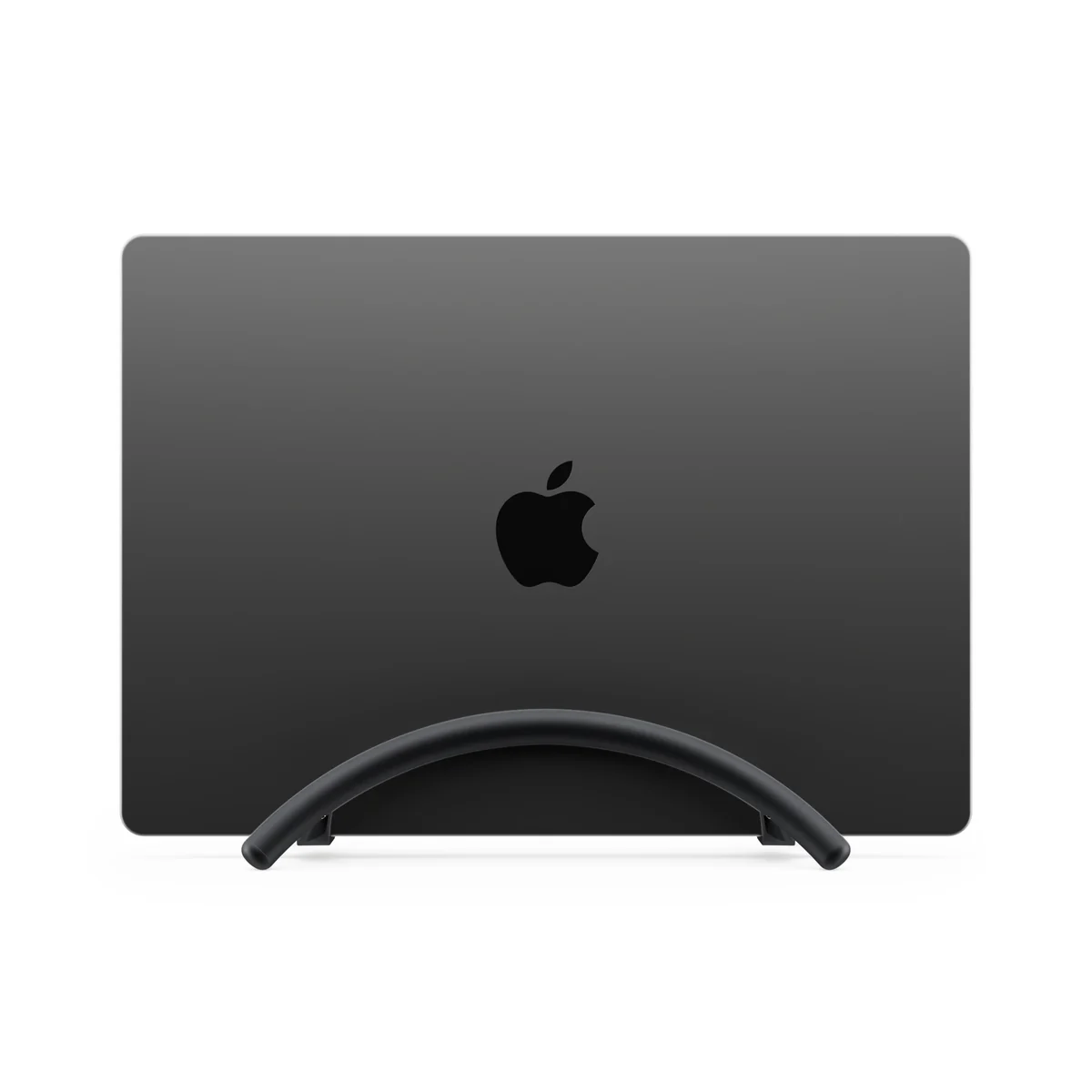
Choose BookArc Flex for a verified closed-lid setup
Its vertical format suits a compatible laptop that already works with the intended external screen, inputs and power. Compare the stand after that complete arrangement passes.
Skip it if: You need the built-in screen, keyboard or camera, or the laptop’s dimensions and closed-lid support are unresolved.
Choose an open stand when the laptop screen stays in the setup
mStand supports an open-laptop arrangement at a fixed desk. Include the complete laptop outline and the input devices you use rather than comparing the stand alone.
Skip it if: You specifically want to run an already-supported closed-lid desktop setup and put the laptop vertically out of the working area.
A vertical laptop stand is relevant when the laptop will run with its lid closed and an external display and input devices already do the desktop work. An open stand is relevant when the built-in screen remains part of the layout. That is the first purchase decision; a smaller-looking stand cannot answer it.
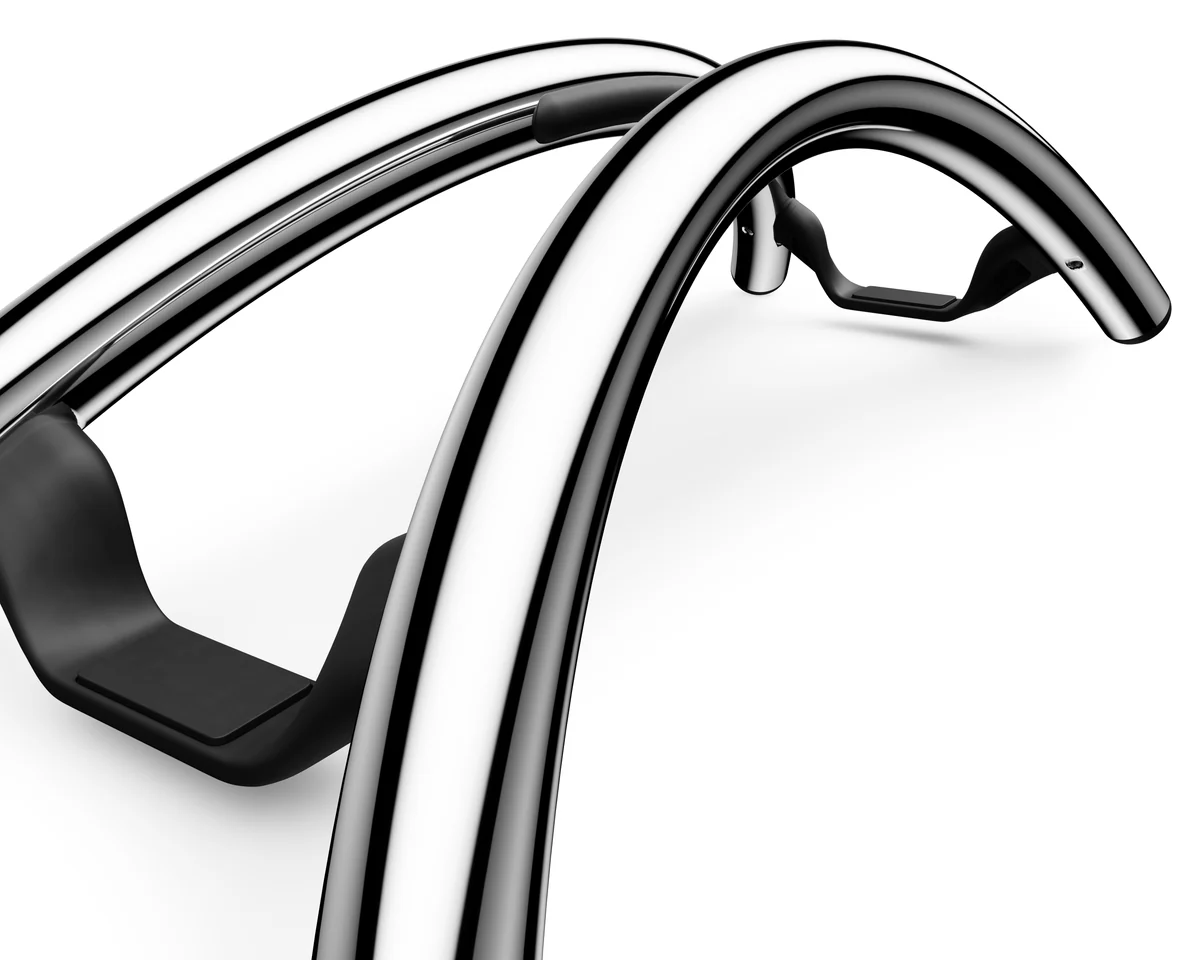
BookArc Flex and mStand illustrate those two formats. We compare the documented arrangements and published dimensions. The manufacturer images show the vertical stand and its supports; they do not establish our own installation or durability testing.
Manufacturer product views
Press images supplied by the manufacturers. Select a view to enlarge it.
For a Mac laptop, Apple’s external-display guidance says to connect power and use an external keyboard and mouse when the lid is closed. Apple also documents allowing the relevant display and input accessories to connect. Verify the setup for your exact computer while you can still use its screen and controls.
Test the actual external-display and input arrangement before deciding whether a vertical holder is the missing piece. Include the camera you intend to use for calls: closing the lid removes the integrated camera from the usable setup. A stand does not change the computer’s supported external-display count.
Compare the support outline with the whole workspace
Using the manufacturers’ metric dimensions avoids treating rounded inch values as exact conversions. The table below compares the stand outlines, not the complete laptop, monitor or working area.
Stand-only dimensions and our rectangular calculation
Check
BookArc Flex
Rain Design mStand
Listed base dimensions used here
9.3 × 21.4 cm
25.3 × 19 cm
Calculated bounding rectangle
199.02 cm²
480.7 cm²
Laptop arrangement
Closed, vertical
Open laptop
Still account for
Laptop overhang, cables and external equipment
Full laptop outline, cables and inputs
A smaller support does not settle the total space gain
The two stand rectangles differ by about 282 cm² by this calculation. That number is a comparison of support dimensions, not a measured amount of desk space recovered. The closed laptop may extend beyond the stand, and the external monitor still needs its own place.
Draw the full proposed setup on paper: laptop holder, display base or arm, keyboard, mouse movement zone and the route for connectors. Compare that plan with the current arrangement. If closing the laptop also means adding equipment you do not already own, include its cost and footprint in the decision.
Check the exact stand family and laptop fit
Twelve South describes BookArc Flex for compatible laptops up to 16 inches and around the stated one-inch thickness limit. Confirm the exact laptop, case and boundary fit with the manufacturer instead of using screen diagonal alone. A screen-size label does not describe every part of the laptop’s shape.
BookArc Flex and the older insert-based BookArc are different designs. Do not buy an older insert or transfer its model-specific compatibility list to Flex. Keep the laptop’s support, ventilation and cable-access requirements in the plan; a tidy-looking position is not evidence of a cooling improvement.
The purchase rule
Consider BookArc Flex when a supported closed-lid setup is already working and the vertical format solves a specific placement problem. Consider mStand when the open laptop remains part of the desk and its fixed arrangement suits the position you want.
Confirm the current retailer listing, exact stand family and laptop fit before ordering. Use the related fixed-versus-folding guide if the remaining question is how to pack an open-laptop stand away. That storage decision is separate from deciding to hide the laptop’s own screen.
Evidence and limits
This is a specification-based buying guide. Product descriptions come from the sources below; the fit examples and decision rules are our editorial analysis. We have not measured durability, performance, or comfort in a product test.
Rain Design mStand specifications ↗Fixed open-laptop design and published 253 × 190 mm width/depth. Our rectangular areas are calculations, not physical measurements.
Apple external-display troubleshooting ↗Closed-lid Mac laptop guidance calls for power and an external keyboard/mouse; supported display counts depend on the exact Mac.
As an Amazon Associate I earn from qualifying purchases. Amazon links open a model listing or product search. Confirm the variant, seller, price and availability there. Disclosure.
Rain Design mStand
A one-piece aluminum laptop stand for a workspace that stays assembled.
Check the fit: Include laptop overhang, keyboard space and actual screen position. This is not the folding mStand mobile or rotating mStand360.
A vertical laptop stand for an already-supported closed-lid desktop arrangement.
Check the fit: Check the exact laptop dimensions and manufacturer guidance. You lose access to the built-in screen, keyboard and camera while the lid is closed.