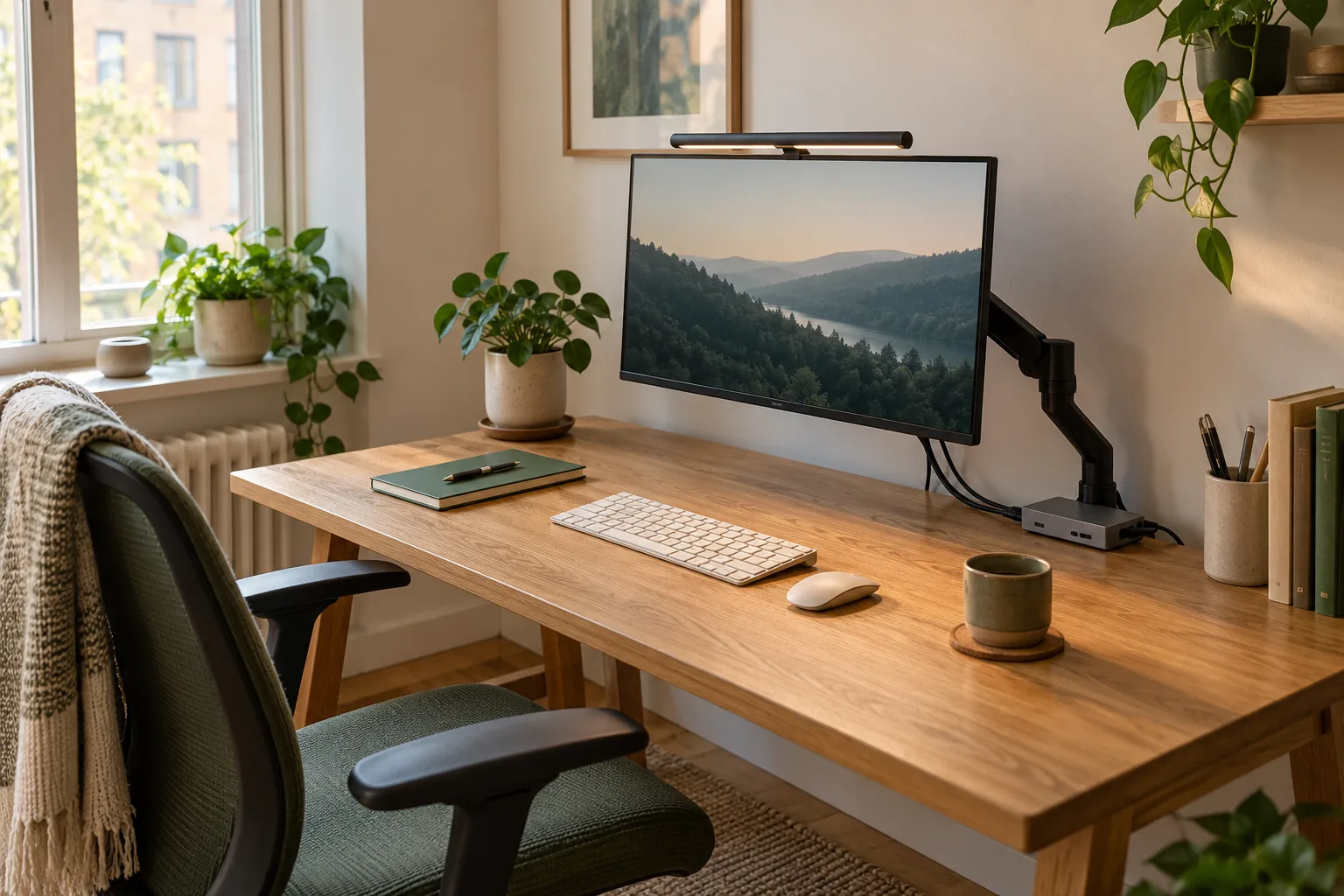
Plan Halo 2’s supply before buying its extra features
Its specification lists a 5 V, maximum 3 A USB-C input and maximum consumption of 15 W. Rear lighting and wireless control do not remove that power-planning requirement.
Skip it if: Your plan assumes any USB-C data port provides its listed maximum input power.
The connector is the starting point, not the answer
A USB-C plug fitting into a socket does not establish that the socket can supply the light’s required power. Check the light’s input specification and the exact hub port’s output specification. Keep the data ports and pass-through charging input separate in your diagram.
For the named examples here, this distinction changes the shopping plan. BenQ lists maximum consumption of 15 W for ScreenBar Halo 2 and 8.5 W for ScreenBar Pro. Anker lists the A8355 USB-C data port at 5 V and 1.5 A, or 7.5 W.
Compare the right positions
These published maxima are not measurements of typical consumption or proof of a particular operating mode.
A useful limit comparison
Item
Published figure
Planning implication
A8355 USB-C data output
5 V × 1.5 A = 7.5 W
Do not treat it as a 100 W accessory output
ScreenBar Pro maximum consumption
8.5 W
Above that 7.5 W data-port figure
ScreenBar Halo 2 maximum consumption
15 W
Also above that data-port figure
A8355 PD input
Up to 100 W input
An input is not a general-purpose output for a lamp
What the arithmetic establishes
The Pro maximum is 1 W above the listed data-port output; the Halo 2 maximum is 7.5 W above it. These differences tell you not to plan for the lights’ full published requirements from that data port. They do not prove a light will never illuminate, predict dimming behavior, or establish safe operation in a lower-power mode.
Use the manufacturer’s supported power arrangement rather than experimenting around an unresolved requirement. A device appearing to turn on is a weaker check than matching its documented supply conditions.
Draw the power route independently of the data route
Write the wall supply, cable and light as one path. Write the laptop and hub as a second path. Only combine them when the documentation supports the exact connection. A tidier photograph is not a reason to hide an unsupported power assumption in a cable tray.
If you need a separate suitable supply for the lamp, include its size, socket and cable route in the complete desk plan. Check package contents rather than assuming the necessary wall adapter is included.
Choose the light for useful lighting functions
Compare Pro when front task lighting is the job. Compare Halo 2 when its rear illumination and wireless controller are functions you will use. Their power specifications help you plan the installation; they are not a ranking of lighting quality.
BenQ publishes the same task-light coverage figure for these two models under the stated specification conditions. The reason to investigate Halo 2 is its additional arrangement and controls, not an assumed improvement in every lighting characteristic.
A short pre-purchase check
Record the exact lamp model and its input voltage/current requirements. Record the exact socket you intend to use and its documented output. Confirm the cable and supply conditions in the manufacturer instructions. If one step is unknown, resolve it before ordering.
This is a comparison of documented limits across products, not a hands-on electrical test. Use current manufacturer instructions for the supported arrangement and leave required ventilation and cable movement available in the final setup.
Evidence and limits
This is a specification-based buying guide. Product descriptions come from the sources below; the fit examples and decision rules are our editorial analysis. We have not measured durability, performance, or comfort in a product test.
As an Amazon Associate I earn from qualifying purchases. Amazon links open a model listing or product search. Confirm the variant, seller, price and availability there. Disclosure.
BenQ ScreenBar Halo 2
A monitor-mounted light bar with front and rear lighting and a wireless controller.
Check the fit: Check the screen housing, clamp fit, webcam position, and power requirements before ordering.