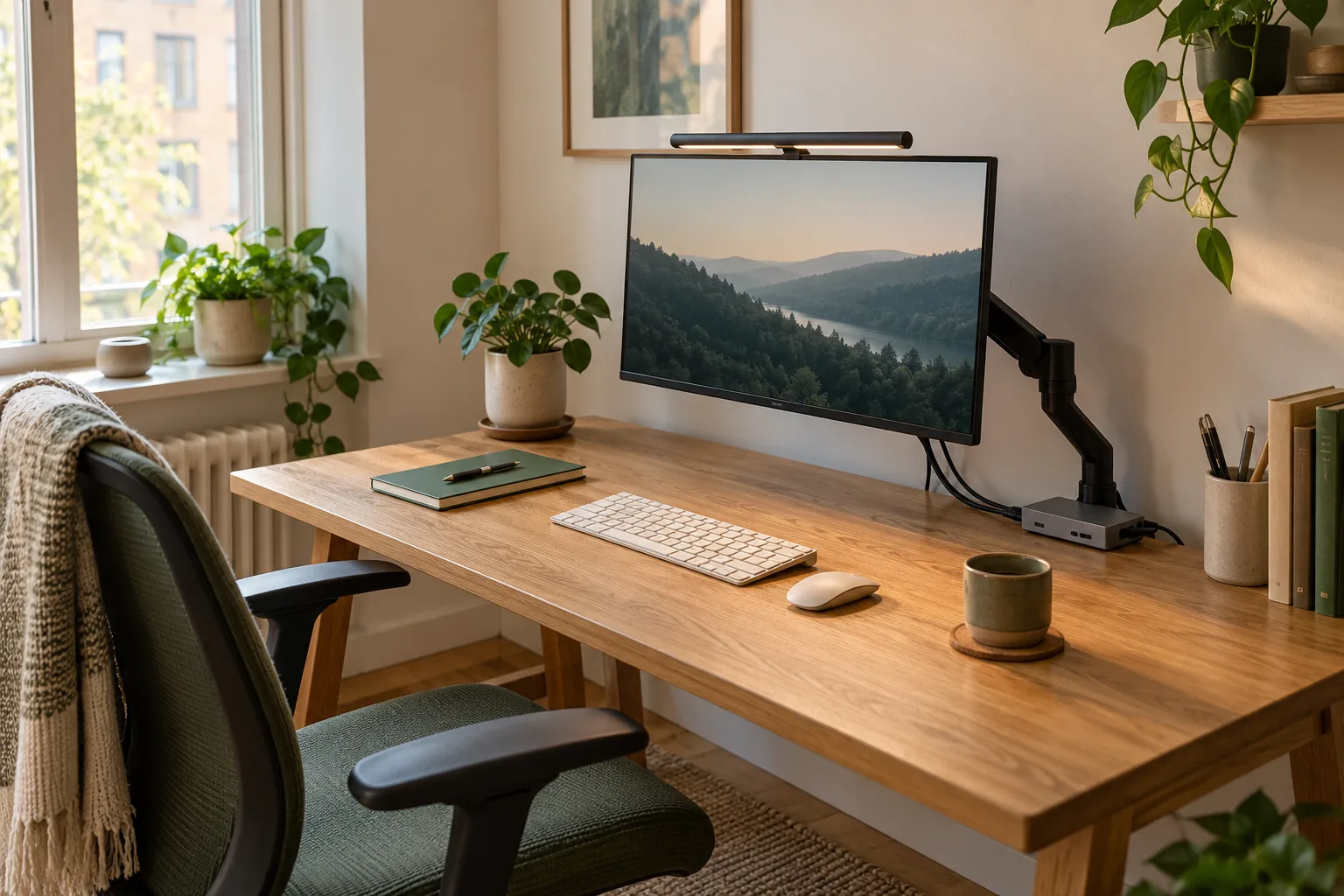
Consider Pro for a documented front-light arrangement
Its specification page lists an optional webcam accessory. Investigate the exact supported camera/light setup when front task lighting is the priority.
Skip it if: The combined mount does not have documented support or would obstruct the camera or screen.
Two compatible accessories may still compete for one spot
A webcam and a light bar can both want the center of the monitor’s top edge. Evaluate them together before buying either as a desk-space upgrade. Check the monitor housing, each mount’s required contact surfaces, the camera’s view, and the intended cable path.
A light that avoids a lamp base can still create an awkward camera arrangement. The useful purchase is the complete setup that works for the way you use video calls and desk lighting, not two separate accessories that look attractive on product pages.
Plan the combined mount
Use current instructions for the exact products to resolve each item. Do not assume a photo establishes compatibility.
Camera and light fit record
Question
Check this
Decision if unresolved
Can the light clamp fit?
Monitor housing shape and the light’s listed range
Resolve with manufacturer guidance before ordering
Can the camera mount coexist?
Required attachment location and any supported accessory
Investigate the documented combined arrangement
Is the lens unobstructed?
Camera sight line at the intended screen position
Reposition only within supported mounting options
Where do cables go?
Power/data route and screen movement
Plan without a stretched connector or blocked adjustment
Does the extra control need space?
Surface location for a separate controller
Include it in the footprint comparison
Use the published thickness ranges carefully
BenQ lists monitor-thickness ranges of 0.43–6.5 cm for ScreenBar Pro and 0.43–6 cm for Halo 2. That is a useful initial check for the named models, but a number inside the range is not a promise about every monitor shape or combined camera mount.
Measure the location that actually matters to the clamp under the product instructions. A thin front edge and a deeper rear housing can tell different stories. If your screen has an unusual housing, get a model-specific answer rather than averaging the two measurements.
Check supported accessories rather than improvising
Both specification pages identify a webcam accessory as optional. Follow the current details for the exact light and camera combination; do not assume the accessory is supplied or that every webcam attaches in the same way.
Include the accessory and any required power arrangement in the total purchase if they are needed. An apparently smaller light setup may not be the simpler option once the complete mounting and control arrangement is counted.
Choose by the calls and lighting tasks you actually do
For a fixed monitor used on frequent video calls, preserving a useful camera position is part of the light-bar decision. For a desk that also serves as a paper workspace away from the monitor, a separate appropriately chosen lamp may deserve comparison.
Halo 2’s additional rear lighting and wireless controller can be reasons to investigate it, while Pro is a front-task-light shortlist. Neither distinction settles the webcam fit. Make the camera/light requirement explicit before choosing between the features.
A low-cost planning exercise before the order
Sketch the top edge of the monitor, the camera position, the light clamp, and the planned cable exits. Mark each piece of information confirmed by a manual and each assumption still unresolved. Ask the manufacturer about the unresolved combination before committing to the basket.
This is a physical planning worksheet based on published specifications, not a tested list of camera/monitor combinations. Avoid buying speculative adapters to fix a mounting conflict that could have been identified before purchase.
Evidence and limits
This is a specification-based buying guide. Product descriptions come from the sources below; the fit examples and decision rules are our editorial analysis. We have not measured durability, performance, or comfort in a product test.
As an Amazon Associate I earn from qualifying purchases. Amazon links open a model listing or product search. Confirm the variant, seller, price and availability there. Disclosure.
BenQ ScreenBar Halo 2
A monitor-mounted light bar with front and rear lighting and a wireless controller.
Check the fit: Check the screen housing, clamp fit, webcam position, and power requirements before ordering.